Quick Payment Links allow firms to securely accept online payments from clients or non-clients without requiring a matching client record in the firm's Practice Management System.
Instead, a “quick payment” can be made through a specific link provided to a person by someone at your firm, who can then process the payment and be done.
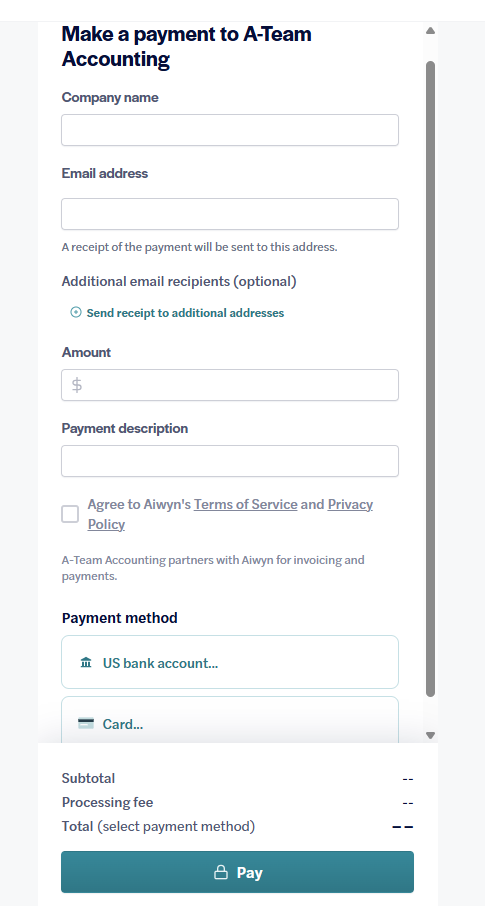
Payments made through a Quick Payment Link are processed as non-invoice payments and tied to a single designated "catch-all" client entity in the firm's Aiwyn system. It will display on your Non-Invoice Payment File (typically the "alt file"). The payment will deposit into your Default Bank Account connected with Aiwyn.
To get this started:
In your Practice Management System create a client entity to act as "placeholder" client.
This is the Client ID that all payments made with a Quick Payment Link are assigned to when viewing the payment in Aiwyn Firm Portal or viewing it in Aiwyn payment reports.
Enter the Client ID below.